 PAINITE


AI photo enhancement that runs on your own GPU server, or on your Mac. Remove noise, sharpen, fix camera shake and missed focus, restore faces and upscale, from a Mac app, from Lightroom, from the command line, or by asking an AI agent such as Claude.
New in 1.2: the server runs on a Mac, face restoration changes only the face, and previews are faster. What's new
How it works
1. Run the server on your GPU
The PAINITE server runs the AI models on an NVIDIA GPU machine on your network. It was built for the NVIDIA DGX Spark, and also runs on a Mac with Apple silicon. Your photos never leave your network.
2. Enhance from your Mac, terminal or agent
The Mac app shows a live before/after preview of the area you choose, then exports the full photo. The painite command runs batches on macOS or Linux, and its MCP server lets AI agents like Claude Code and Claude Desktop preview and enhance photos for you.
3. Keep your workflow
Use PAINITE as a Lightroom desktop “Edit in” editor. Results are written beside the original, which is never changed.
What it can do
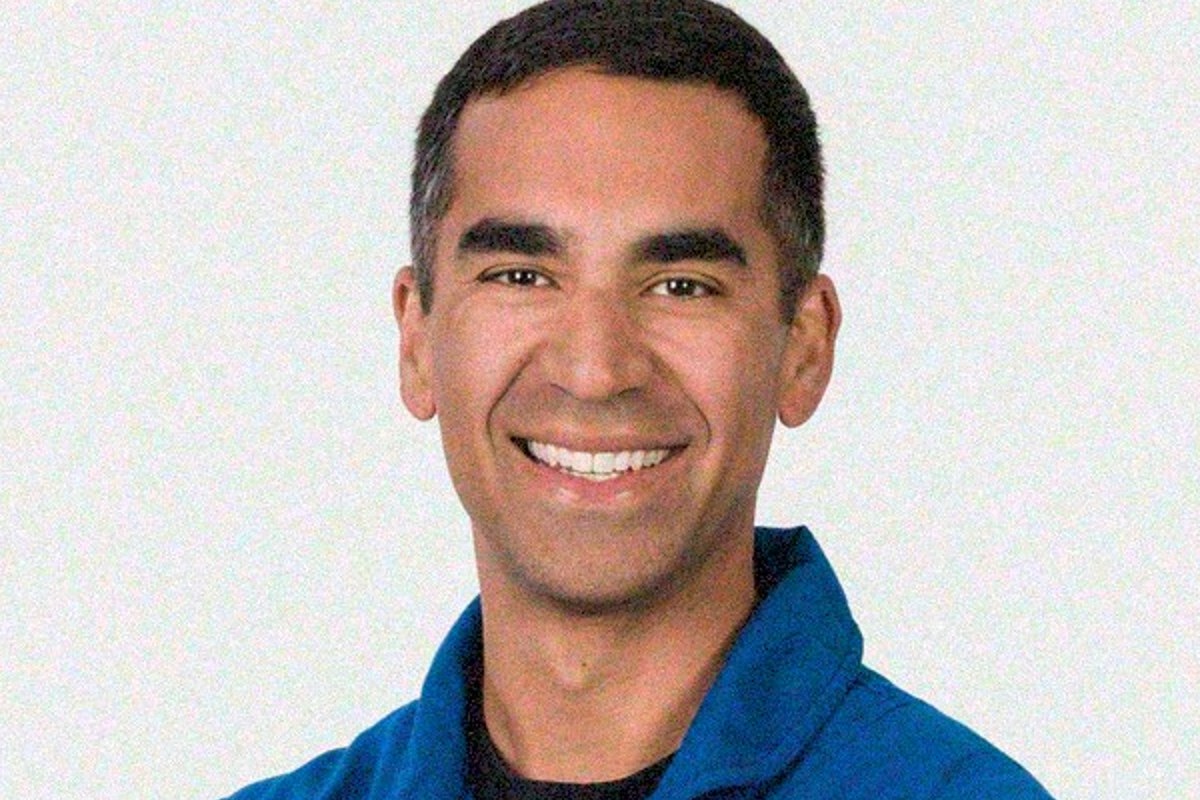
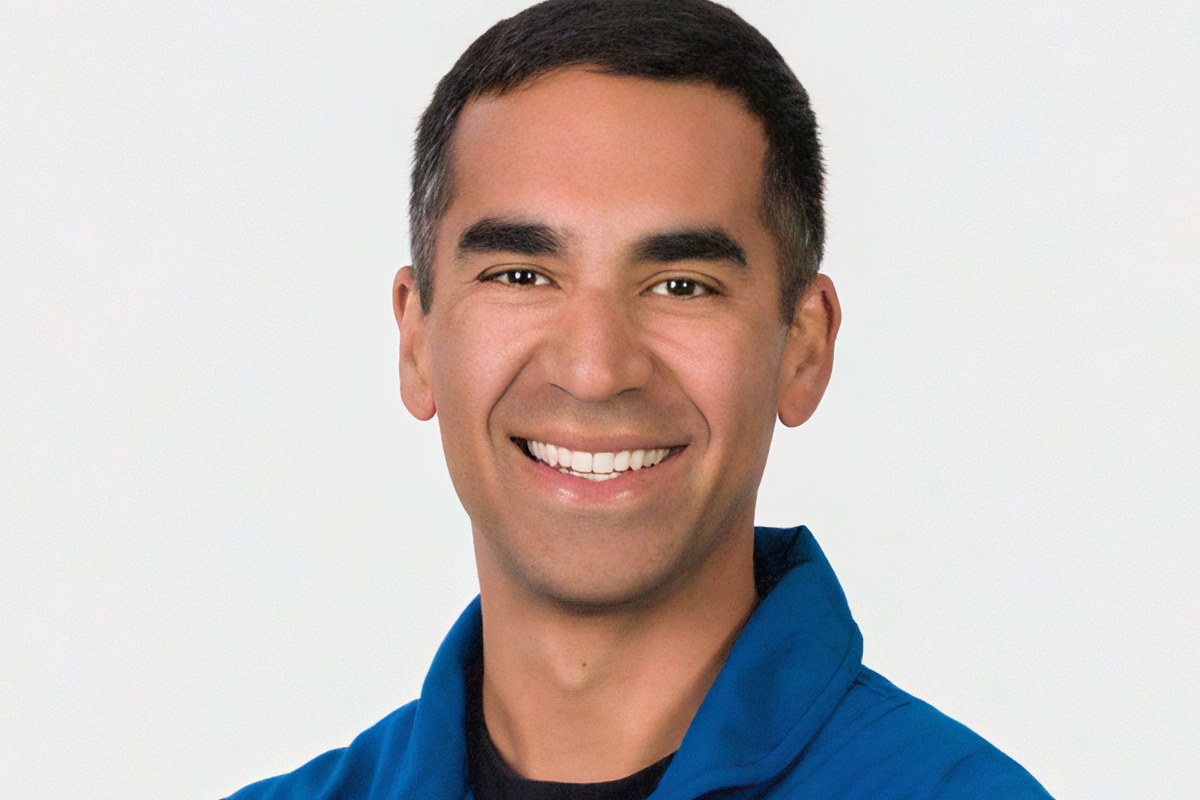
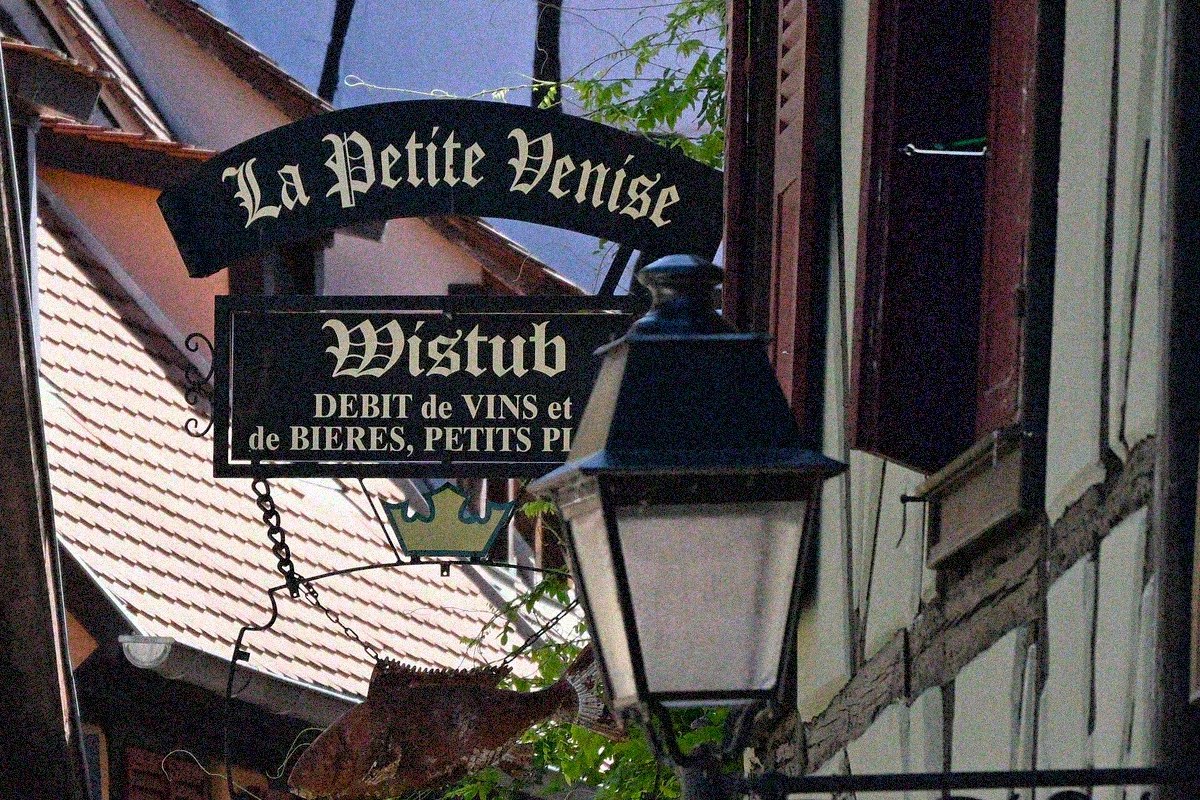
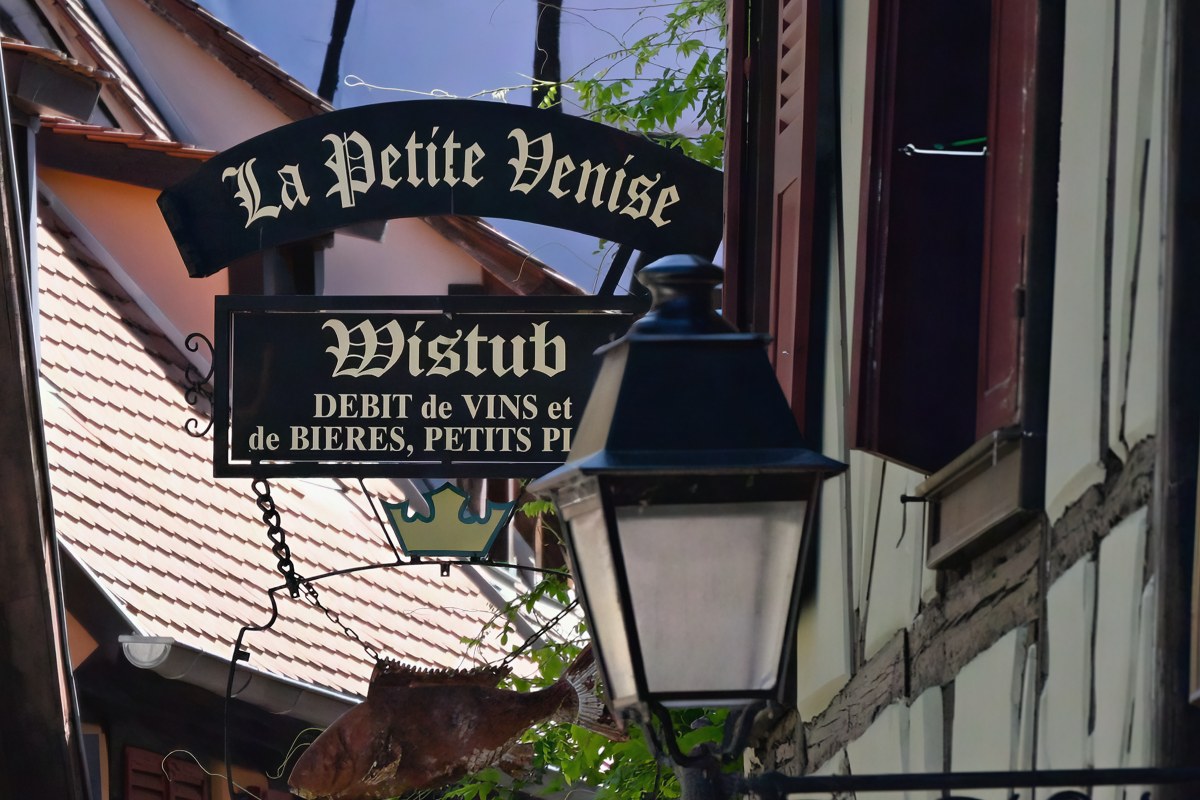
Each example is a crop at 100%. Drag across a photo to compare. Details and tips are on the Enhancements page.
Denoise
Sharpen
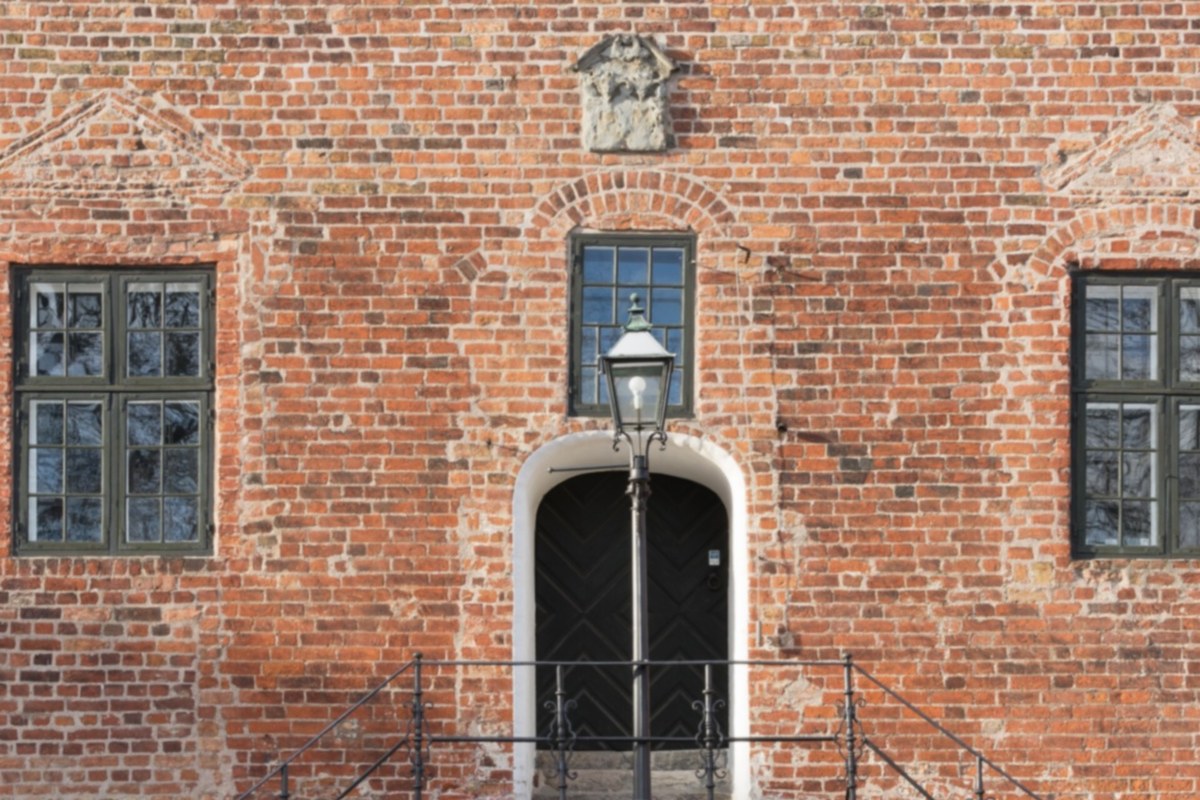
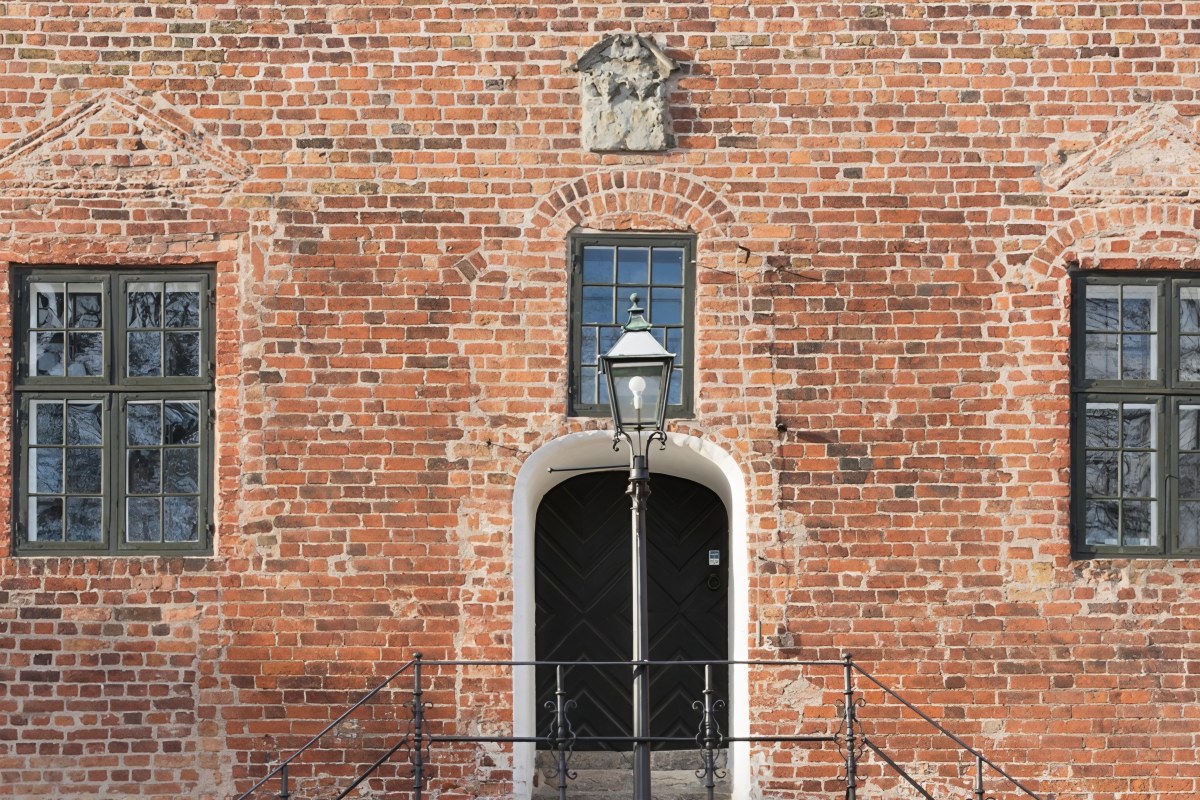
Unblur: Motion
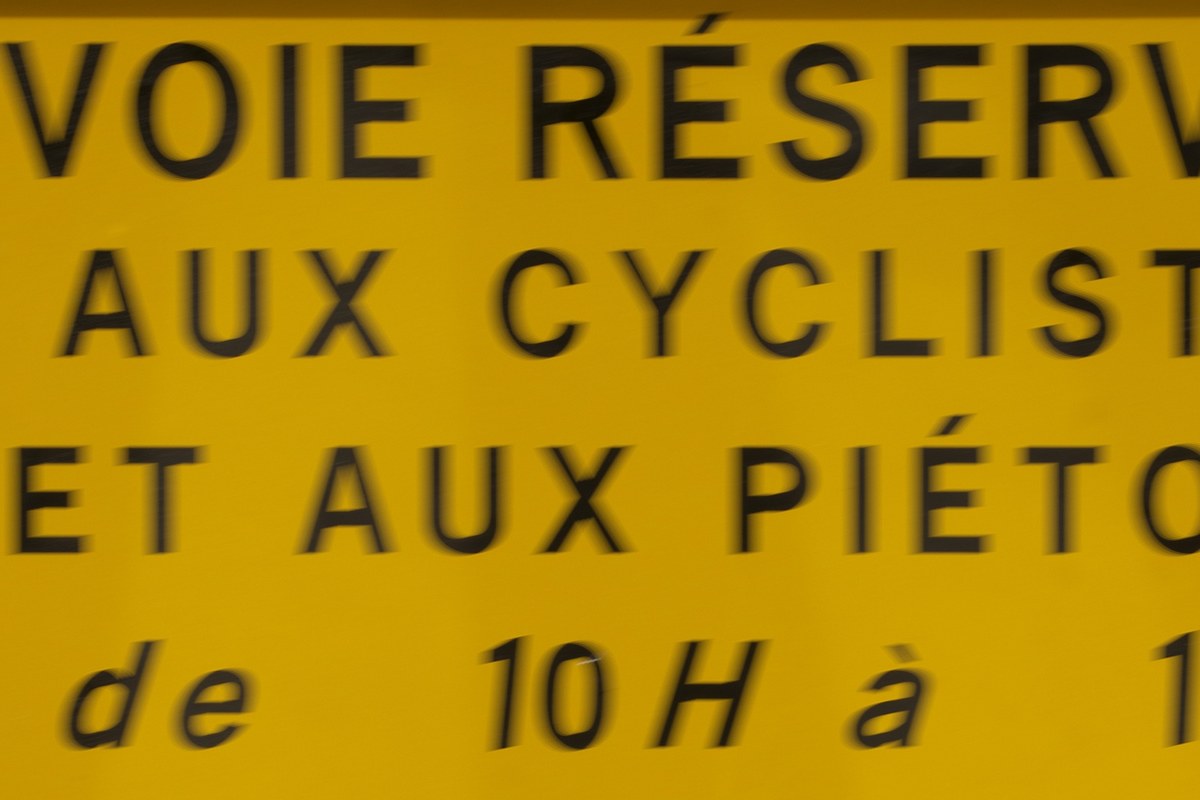
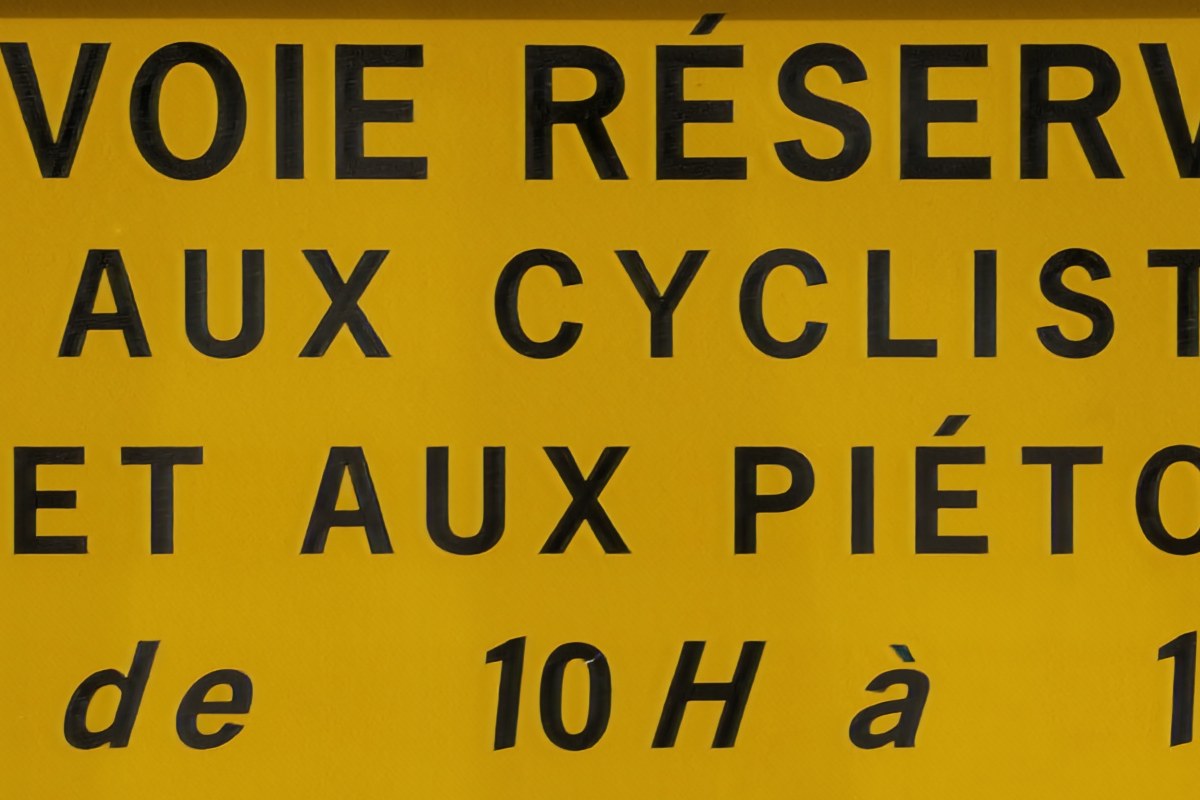
Unblur: Focus
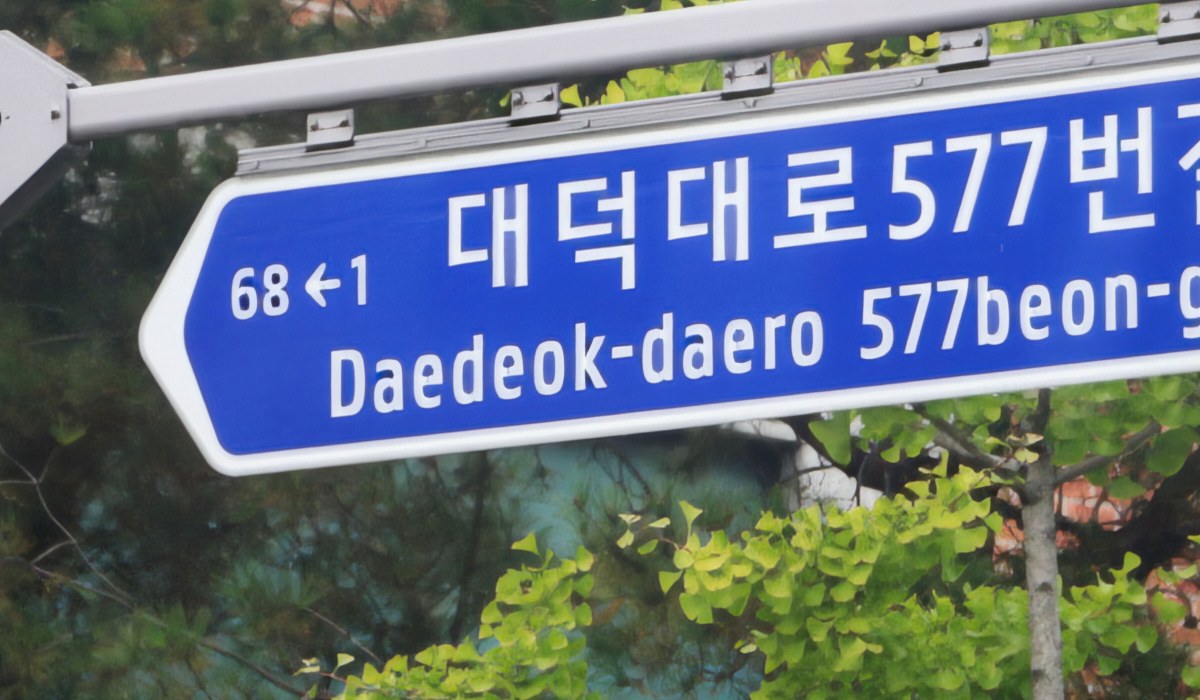
Face
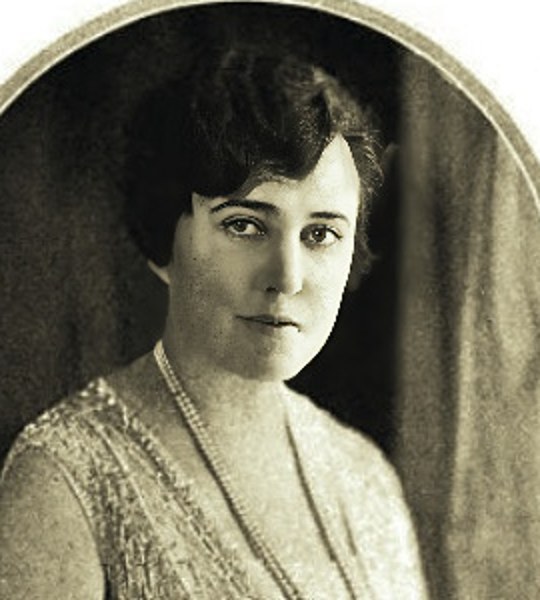
Upscale 2×
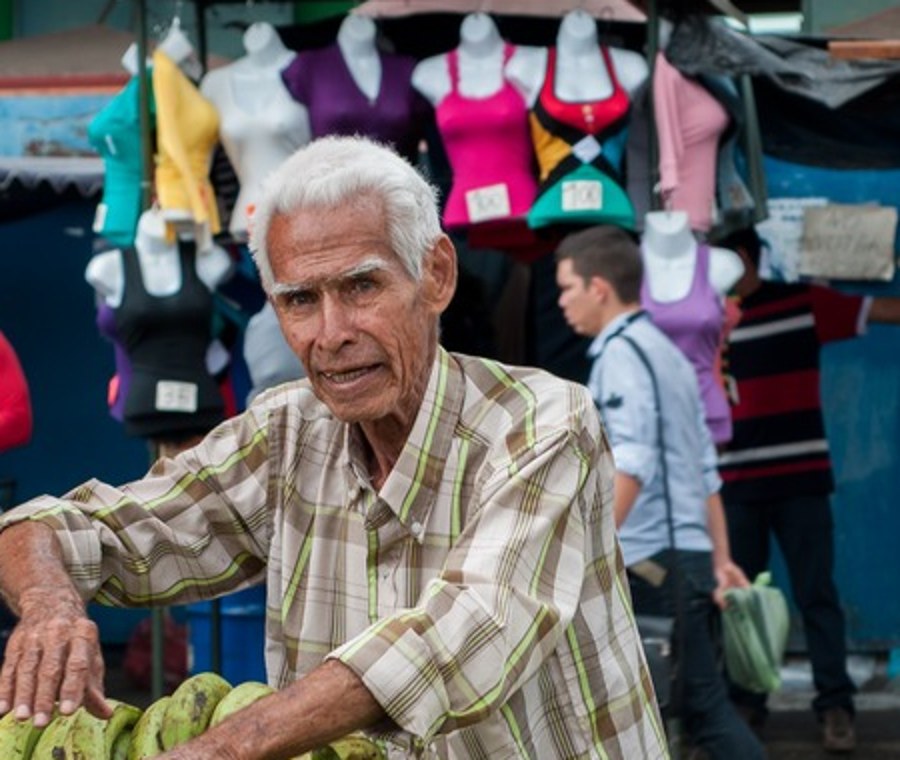
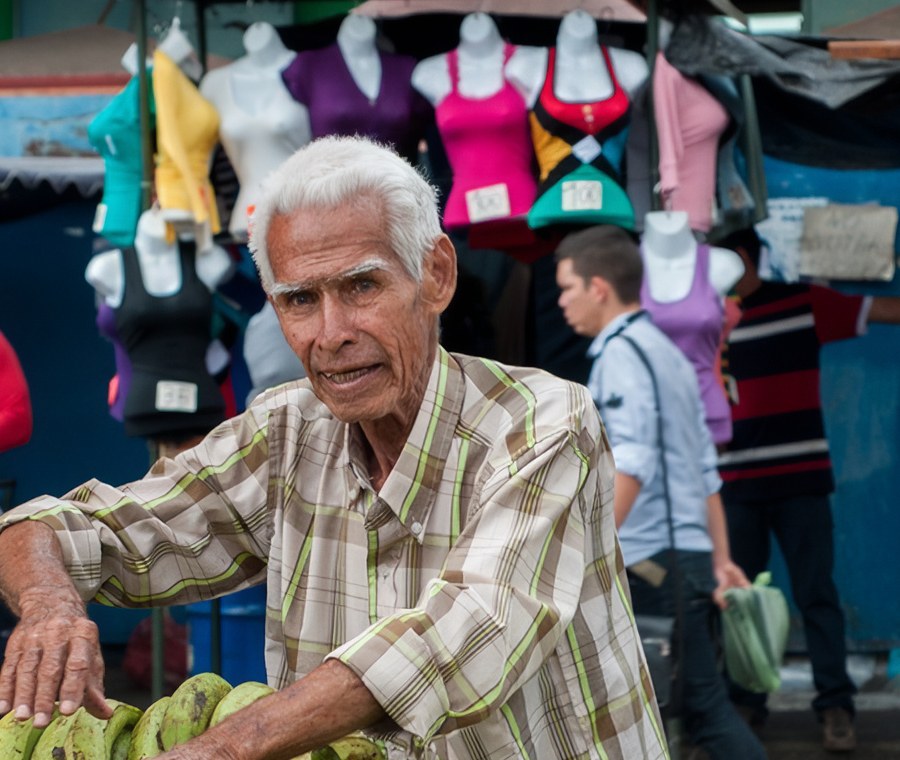
Several steps at once
Get PAINITE
| Component | Runs on | Download |
|---|---|---|
| Server | NVIDIA DGX Spark, or a Linux PC with an NVIDIA GPU such as the RTX 4070 (Ubuntu, Docker, NVIDIA Container Toolkit), or a Mac with Apple silicon | painite-server_1.2.0.tar.gz |
| Mac app | macOS 14 or later, Apple silicon | PAINITE_1.2.0_macos_arm64.zip |
| Command line and MCP server | Ubuntu 24.04+ (x86-64, ARM64) | .deb amd64 · .deb arm64 |
| Command line and MCP server | macOS (Apple silicon), other Linux | macOS · Linux x86-64 · Linux ARM64 |
Then follow the installation guide. Checksums are listed on the release page.
Open source
PAINITE is written by Yuan Lin and released under the Apache License 2.0. If you redistribute PAINITE or build on it, keep its NOTICE file with your copy. The AI models come from their authors under their own licenses. Some allow only non-commercial use; see model licenses.